
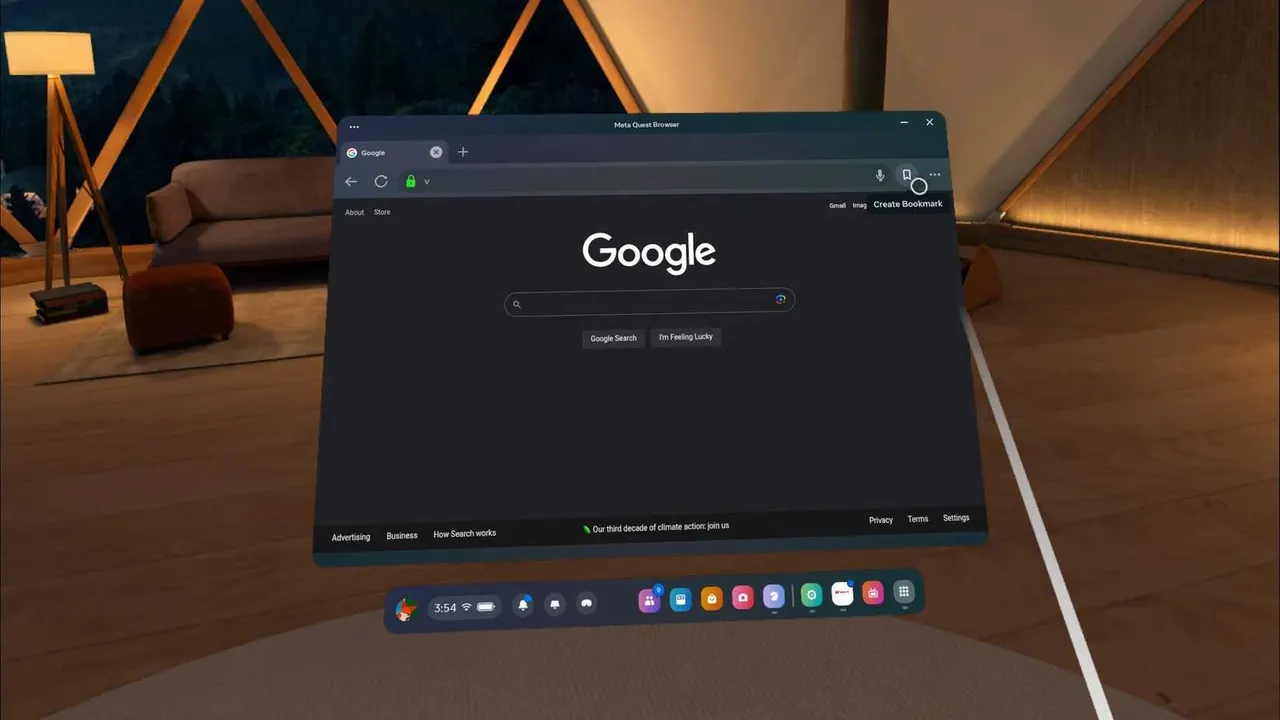
WebXR is the browser standard that lets a web page render immersively in a headset. For adult VR it matters more than anywhere else, because every headset store bans the content and a web page is the one delivery route no store controls.
- Open the headset's own browser: Quest Browser, PICO Browser, Safari on visionOS or Chrome on Android XR.
- Go to the platform's site and log in there, on the headset.
- Open a scene. The page's player will offer a button to enter VR or immersive mode.
- Press it, and the video wraps around you. Exit with the headset's system gesture or button.
Which platforms support it
Twelve of seventeen state WebXR: SexLikeReal, BadoinkVR, POVR, VR Bangers, RealJamVR, SexBabesVR, VirtualRealPorn, VirtualTaboo, VR Conk, VRCosplayX, Dark Room VR and XsinsVR.
VirtualRealPorn built its own WebXR viewer rather than using a generic page, which makes it the smoothest of the twelve.
Which headsets
Meta documents the Quest Browser as Chromium based with WebXR support, playing 180 and 360 video. PICO states a built-in Chromium 125 or newer browser with full WebXR support. Apple ships Safari and immersive video goes through WebXR. Samsung ships Chrome on the Galaxy XR with WebXR.
PlayStation VR2 has no browser at all, so WebXR does not exist there.
The September 2026 change
SexLikeReal discontinued its WebXR hub on 25 September 2026, and browser access ended at the same time for PICO 4, Quest 1 and HP Reverb G2. Current Quest headsets still reach the site by opening it directly, which the help centre documents. Every guide written before that date describes the old arrangement.
What you give up
Control and, sometimes, quality. You get the platform's own player rather than a configurable one, so projection settings are minimal, and two platforms publish caps on their web players: 1920p at WankzVR and 1440p on XsinsVR's Standard tier.
For testing a catalogue none of that matters. For a scene you care about, download it and use a real player.
More guides are in the guides section, and the WebXR platform page has the full support picture.
Why this route exists at all
Because every headset store bans adult content, and a web page is not an app. Meta, Apple, Google and PICO all prohibit pornography in their stores, so platforms invest in their websites instead and partner with whoever already ships a generic video player. WebXR is the technical consequence of those policies, and it is the reason a brand new headset is usable for this on day one as long as it has a browser.
Testing whether it works
- Open a platform that publishes WebXR support and a free full scene, such as SexLikeReal or VirtualTaboo.
- Play the scene flat in the browser first to confirm the session and the stream.
- Enter immersive mode. If the button is missing rather than broken, the platform or the headset does not support it.
- If the picture appears but looks wrong, that is projection rather than WebXR, and the player's settings are where to look.
What is WebXR in simple terms?
A standard that lets a website render in a headset. It means a VR site can play immersively without any app being installed.
Do I need to enable anything?
Normally no. On some setups a site asks for permission to enter immersive mode; allow it.
Why will a site not go immersive?
Either it does not support WebXR, or you are not logged in on the headset. Five of the seventeen platforms publish no WebXR statement.
Is browser quality as good as an app?
Often, and two platforms cap their web players below their advertised resolution.