
A PC VR headset is a display driven by a Windows machine, so there is no store to pass and no app policy to work around. The player is ordinary software and the files are ordinary files. What there is instead is one prerequisite that nobody mentions until it fails.
- Install the Microsoft HEVC Video Extension. HereSphere's Steam listing names it as a requirement for H.265 playback, and without it you get a black screen that looks like a corrupt download.
- Pick a player. HereSphere at $29.99 for projection control, SKYBOX at $9.99 for network libraries, PLAY'A free, or the SteamVR Media Player that Valve now includes in beta.
- Download scenes to the PC. Sixteen of the seventeen platforms here name PC VR support.
- Play, and set the projection if the scene looks wrong. HereSphere lets you name the camera lens rather than guessing.
The one platform that refuses
SexLikeReal lists PCVR, HP Reverb G2 and Pimax devices under not supported on its own device page, explaining that the PC route runs on the deprecated DeoVR Classic. It is the largest catalogue in adult VR, and if it was your plan, this is the one thing to check before subscribing.
Which player
HereSphere is the most capable player in adult VR and its Windows build is its best: named lens profiles including MKX200, MKX220, VRCA220 and RF52, plus autofocus depth and stereo correction that nothing else documents.
Valve's SteamVR Media Player is free and built in. In Valve's description it plays local media from any drive or network folder, with six stereo layouts and four formats including 180, 360 and fisheye. It is in beta and must be opted into, and for straightforward local playback it may be all you need.
SKYBOX and PLAY'A both ship on Steam with SteamVR support, the second free.
Why downloads rather than streaming
You have the storage and the decoder. A current graphics card handles 8K HEVC without difficulty, where a standalone headset has a ceiling that only two manufacturers publish. Downloading removes adaptive ladders and web player caps from the chain entirely, and Czech VR Network even publishes the encode of every file so you can pick knowingly.
Using a Quest as the display
A Quest can act as a PC VR headset over a cable or wirelessly, which gives you these players without a second headset. Wirelessly you are streaming the whole rendered view on top of the video, so quality suffers; a cable avoids that. Details in the PC VR streaming page.
More guides are in the guides section.
What hardware you actually need
Less than for games. Decoding an 8K HEVC file is within reach of any current graphics card, and the demanding part of PC VR, rendering a game at high resolution and refresh rate, does not apply to video playback at all. A machine that drives the headset comfortably for anything will play these files.
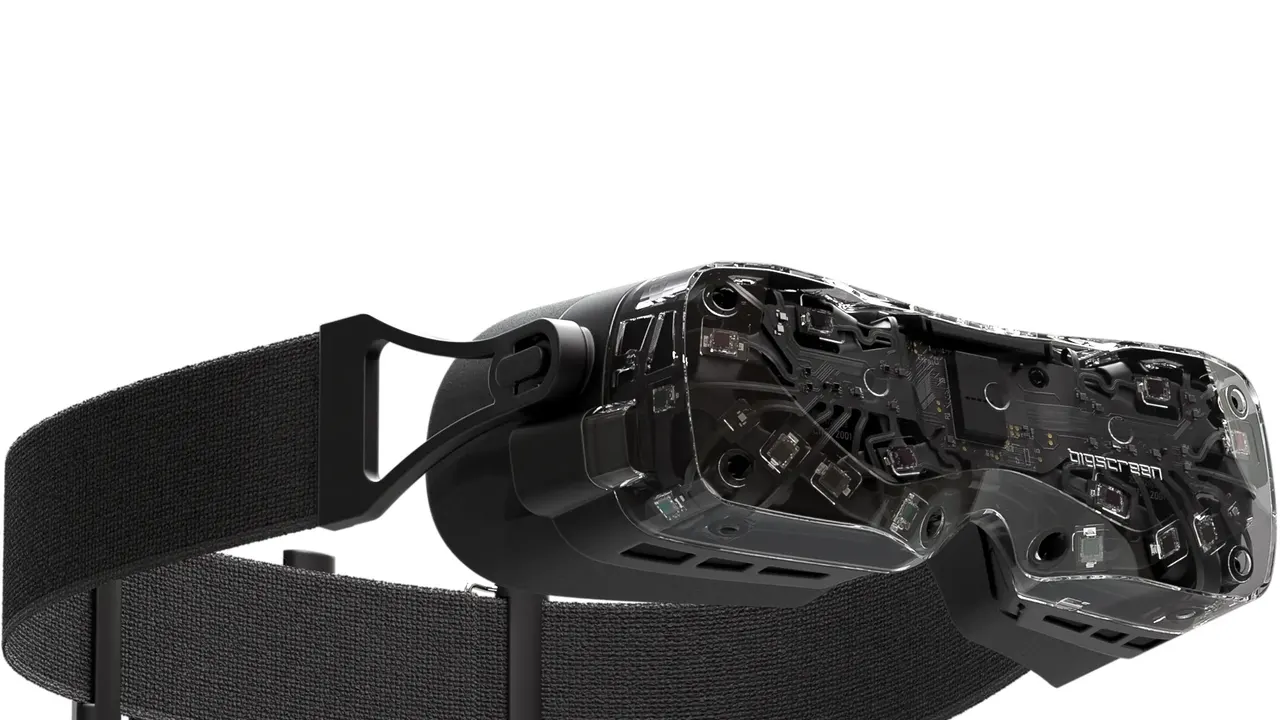
The headsets themselves are covered on the PC VR page: Valve Index at 1440 x 1600 per eye and no longer in production, Bigscreen Beyond 2 at 2560 x 2560 with a published 32 pixels per degree, Pimax Crystal Super at 3840 x 3840 and up to 57 PPD.
Why is my video a black screen on PC?
The Microsoft HEVC Video Extension is not installed. It is a one-off install and the most common failure on this platform.
Do I need to pay for a player?
No. SteamVR includes a media player in beta and PLAY'A is free. HereSphere at $29.99 is worth it for projection control.
Which platforms work on PC VR?
Sixteen of the seventeen we track. SexLikeReal is the exception and says so.
Can I use PSVR2?
With Sony's official PC adapter, yes, as a SteamVR display. It was listed as unavailable when we checked.