
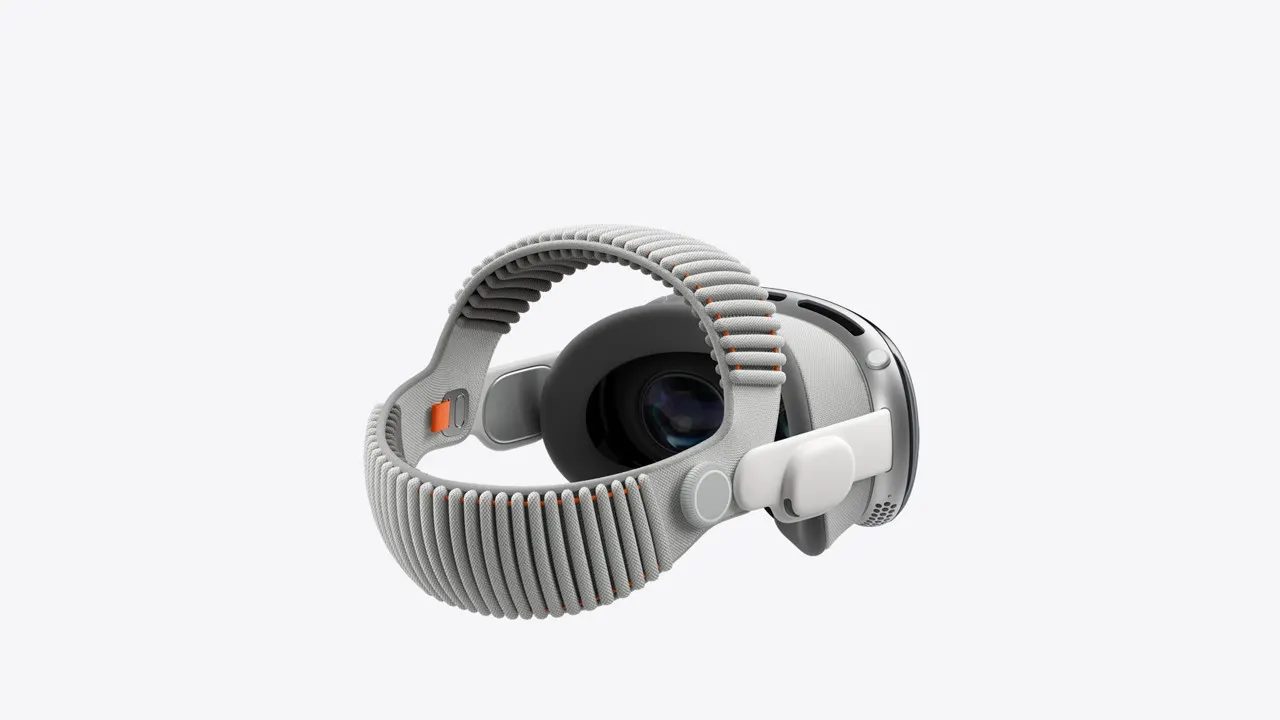
Apple's App Store bans pornographic apps under guideline 1.1.4 and Apple documents no sideloading route for visionOS, so there are exactly two ways in. Both are supported by Apple's own documentation and neither requires anything to be installed.
In short
- Streaming: Safari with WebXR, on the thirteen platforms that name Vision Pro.
- Files: visionOS plays 180, 360 and wide field-of-view video natively.
- Best format: MV-HEVC, which Apple names and VirtualRealPorn publishes.
- Watch for: Wi-Fi 6, not 6E, so downloads beat streaming on a busy network.
Route one: Safari
- Open Safari in the headset and go to the platform. Log in there rather than on another device.
- Start a scene and enter immersive mode when the page offers it. Immersive video goes through WebXR.
- If the option does not appear, check whether that platform names Vision Pro support: thirteen of seventeen do.
Route two: your own files
This is the better route and the one that goes unmentioned. Apple documents viewing 180-degree, 360-degree and wide field-of-view video from your own files through Files and Quick Look, with a conversion prompt when the projection metadata is missing.
- Download the scene on a Mac or PC. Take the MV-HEVC version if the studio publishes one.
- Move it to the headset with AirDrop, iCloud Drive or a USB drive.
- Open it from Files and tap play.
- If a prompt asks what the projection is, answer it: 180, 360 or wide field of view. Dismissing that prompt is why some people conclude the headset cannot play VR video.
Which studio suits it best
VirtualRealPorn publishes MV-HEVC downloads specifically for Apple Vision Pro, which is the format Apple names in its playback list alongside HEVC, H.264 and AV1. No other platform on this site does, which makes a studio shooting since 2013 the best technical fit for the newest headset here.
SexLikeReal lists Apple Vision Pro M5 as a recommended device and M2 as supported, the only platform that splits the family by chip.
If you want a player
Four have visionOS builds: DeoVR, whose Vision Pro build was the most recently updated player we found, SKYBOX, PLAY'A and 4XVR. HereSphere is in a TestFlight beta. Pigasus and Prism VR have none.
These are video players rather than adult apps, which is why the App Store carries them.
The network caveat
Apple publishes Wi-Fi 6 for this headset, not 6E, so there is no 6 GHz band available. For a sustained 8K stream at roughly 120 Mbps that is a real disadvantage against a Quest 3, and it is the strongest practical argument for downloading on this device rather than streaming.
More guides are in the guides section, and the device page is here.
Is it worth buying for this?
No, and the headset is excellent anyway. At $3,699 against $599.99 for a Quest 3 you are paying six times as much for better optics, fewer platforms naming support, four player builds instead of eight, no sideloading and no published decode ceiling. If you own one for work or for everything else, this guide gets you the best picture in adult VR. If you are buying a headset for this purpose, buy a Quest.
Can you watch VR porn on Apple Vision Pro?
Yes, in Safari on the thirteen platforms that name it, or by downloading files and opening them in Files, which plays 180 and 360 natively.
Why does my file play flat?
The projection metadata is missing and visionOS prompts you to say what the file is. Answer the prompt rather than dismissing it.
Are there apps?
Video players yes, adult apps no. Apple bans pornographic apps and names no sideloading route.
Which file format is best?
MV-HEVC, which Apple names and VirtualRealPorn publishes for this headset.