
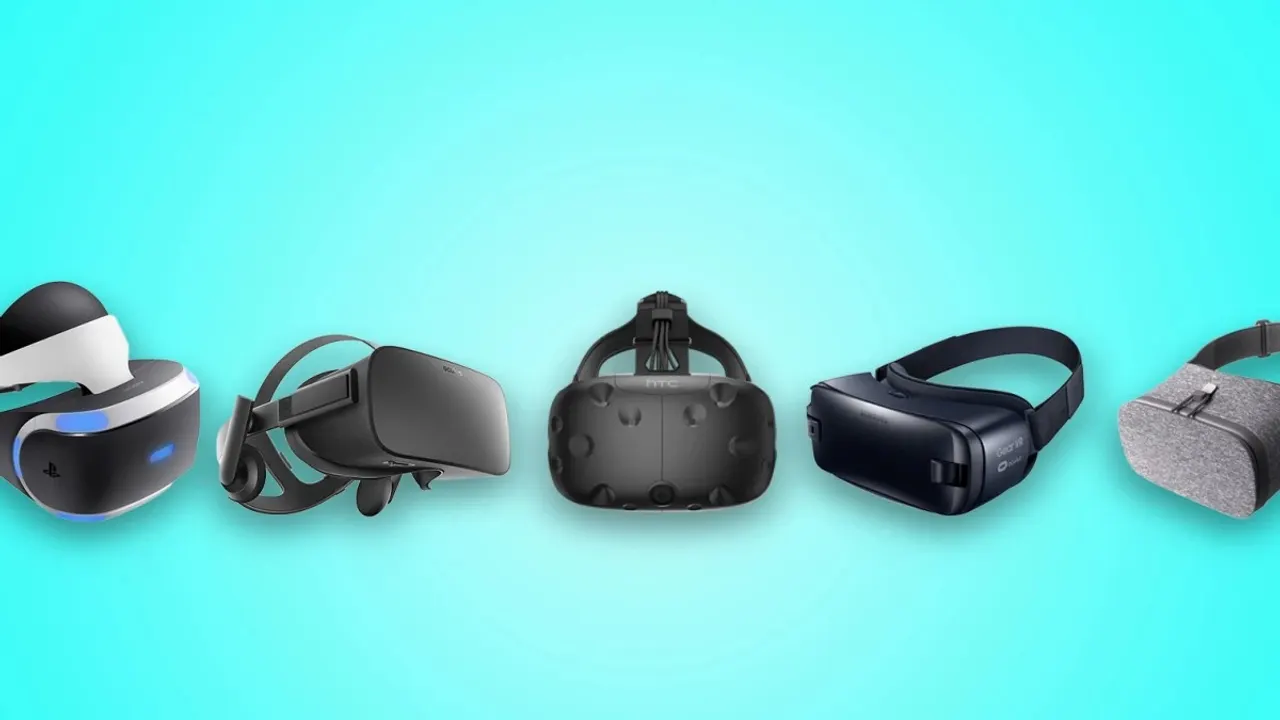
No headset ships adult content. Meta bans pornography from the Horizon Store, Apple bans it from the App Store, Google Play bans it for Android XR, PICO bans sexually explicit apps outside Mainland China, and PlayStation does not publish Adults Only titles at all. That is not a reason to avoid any of them, but it does decide what matters when you choose one: the headset that works for VR video is the headset with a usable browser, a way to open a file you own, and permission to install software the store did not sell you.
In short
- Best overall: Meta Quest 3. It is the only headset whose maker publishes a video decode ceiling, and the only one with a browser, sideloading and a file manager all at once.
- Cheapest that works: Meta Quest 3S at $349.99, with the same chipset and a smaller field of view.
- Sharpest picture: Samsung Galaxy XR at 3552 x 3840 per eye, although almost no VR video player has shipped a build for it yet.
- Will not work: PlayStation VR2. It has no browser at all, so nothing streams inside it, and its only documented video route is flat video from a USB stick.
What the makers publish, side by side
These are the fields that decide whether a file plays: can the headset open a web page, does it support WebXR, can it read a file from its own storage, and which codecs does the vendor name. A cell reading "Not confirmed" means the manufacturer publishes no answer, which happens more often than the specification tables elsewhere suggest.
| Headset | Display resolution | Browser | WebXR | Local video | HEVC | AV1 |
|---|---|---|---|---|---|---|
| Meta Quest 3 | 2064 x 2208 per eye | Meta Quest Browser (Chromium), plays 180 and 360 VR video | Yes | Yes | Yes | Yes |
| Meta Quest 3S | 1832 x 1920 per eye | Meta Quest Browser (Chromium), plays 180 and 360 VR video | Yes | Yes | Yes | Yes |
| Apple Vision Pro | Not confirmed | Safari, ships built in | Yes | Yes | Yes | Yes |
| PICO 4 Ultra | 2160 x 2160 per eye | PICO Browser, Chromium 125+ | Yes | Yes | Yes | Yes |
| Samsung Galaxy XR | 3552 x 3840 per eye | Google Chrome | Yes | Not confirmed | Yes | Yes |
| PC VR headsets | Not confirmed | Not confirmed | Not confirmed | Yes | Not confirmed | Not confirmed |
| PlayStation VR2 | 2000 x 2040 per eye | No | No | Yes | No | Not confirmed |
The seven, in the order they are worth buying for this
Meta Quest 3
The default, and the best documented
- Price
- $599.99
- Per eye
- 2064 x 2208
- Standalone
- Yes
- Local video
- Yes
- Browser
- Meta Quest Browser (Chromium), plays 180 and 360 VR video
- WebXR
- Yes
- HEVC
- Yes
- AV1
- Yes
The Quest 3 is the headset this whole niche is built around, and the reason is not the panel. It is that Meta documents the thing nobody else does: a hardware decode limit of 8192 x 4096 at 60 frames per second for 180 three-dimensional side-by-side video, and 5760 x 5760 at 60 for 180 two-dimensional. When a studio sells you an 8K file, that figure is what tells you whether the headset can actually unpack it.
Everything else is open too. The Quest Browser is Chromium and plays 180 and 360 video, WebXR works, the Files app opens video from internal storage, and sideloading is supported, so any player can be installed whether or not the store carries it. The panel is 2064 x 2208 per eye at 25 pixels per degree, the field of view is 110 by 96 degrees, and it runs at up to 120 Hz on Wi-Fi 6E. At $599.99 with 512 GB it is also the only headset here with enough storage to keep a download library on the device.
Meta Quest 3S
The cheap way in, with one honest gap
- Price
- $349.99
- Per eye
- 1832 x 1920
- Standalone
- Yes
- Local video
- Yes
- Browser
- Meta Quest Browser (Chromium), plays 180 and 360 VR video
- WebXR
- Yes
- HEVC
- Yes
- AV1
- Yes
At $349.99 the Quest 3S runs the same chipset as the Quest 3 and keeps everything that matters for video: the same Chromium browser, WebXR, the Files app, sideloading and Wi-Fi 6E. What you give up is optics. Fresnel lenses instead of pancake, 1832 x 1920 per eye, 20 pixels per degree against 25, and a 96 by 90 degree field of view instead of 110 by 96. On 180-degree video that difference is visible at the edges rather than in the middle.
Here is the gap every other guide papers over. Meta publishes no decode ceiling for the 3S. The 8192 x 4096 figure belongs to platform guidance aimed at the newest device, and it cannot honestly be pinned to this one. AV1 is explicitly restricted: Meta's own wording is that it works on Quest 3 and above, which includes the 3S. So: assume HEVC is your safe codec, and treat any 8K claim about this headset as unverified until Meta states it.
Apple Vision Pro
The sharpest picture nobody will quantify
- Price
- $3,699
- Standalone
- Yes
- Display resolution
- Not confirmed
- Local video
- Yes
- Browser
- Safari, ships built in; plays immersive video via WebXR
- WebXR
- Yes
- HEVC
- Yes
- AV1
- Yes
Apple Vision Pro is the best-looking headset on this list and the least documented. Apple publishes "23 million pixels" and a 7.5-micron micro-OLED pixel pitch, and then stops: no per-eye resolution, no pixels per degree, no field of view. Every exact per-eye figure you have read for this headset came from a teardown or from another article, not from Apple. This page will not repeat them.
What Apple does document is useful. Safari ships built in and plays immersive video through WebXR. visionOS plays 180-degree, 360-degree and wide field-of-view video from local files through Files and Quick Look, with a conversion prompt when the projection metadata is missing. HEVC, MV-HEVC, H.264 and AV1 are all named in the video playback list, and MV-HEVC is the format to ask a studio for. Two practical limits: the App Store bans pornographic apps outright, so the route is the browser or your own files, and the headset is Wi-Fi 6, not 6E, which matters when you stream 8K over a busy network. It costs $3,699.
PICO 4 Ultra
The strongest non-Meta standalone
- Price
- ~$672
- Per eye
- 2160 x 2160
- Standalone
- Yes
- Local video
- Yes
- Browser
- PICO Browser, Chromium 125+
- WebXR
- Yes
- HEVC
- Yes
- AV1
- Yes
PICO 4 Ultra is the headset to buy if you want a standalone that is not made by Meta. The panels are 2160 x 2160 per eye at 1200 PPI with pancake optics, 20.6 pixels per degree on average and 22.5 in the central area, a 105-degree field of view and Wi-Fi 7. The browser is Chromium 125 or newer with full WebXR support, which PICO states itself, and the headset plays spatial video shot on an iPhone. Sideloading is supported, and PICO names three video players in its own materials: 4XVR, MOON VR Player and DeoVR Classic.
Two caveats. PICO's own store bans sexually explicit apps outside Mainland China, so the player comes from sideloading or from the browser. And PICO publishes no maximum decode resolution anywhere we could find, so the 8K question has no vendor answer for this device either. The price was 599 euros from a European connection.
Samsung Galaxy XR
The best panel, waiting for software
- Price
- $1,799.99
- Per eye
- 3552 x 3840
- Standalone
- Yes
- Local video
- Not confirmed
- Browser
- Google Chrome
- WebXR
- Yes
- HEVC
- Yes
- AV1
- Yes
Galaxy XR has the highest published resolution of any headset here, 3552 x 3840 per eye on micro-OLED at 4,032 PPI, and it is one of only two devices whose maker prints a decode ceiling: UHD 8K at 7680 x 4320 and 60 frames per second, in Samsung's own specification table. HEVC, MV-HEVC and AV1 are all in the codec list. Chrome ships as the browser and WebXR works.
The problem is the rest of the stack. On the day we checked, no VR video player had a confirmed shipping Android XR build, Google Play's developer policy rules out sexually explicit apps, and Samsung documents no app for playing an arbitrary file from the headset's own storage. That leaves the browser, which is a real route but a narrow one for $1,799.99. This is a headset to watch rather than to buy for this purpose today.
PC VR headsets
Valve, Bigscreen and Pimax: the PC does the work
- Price
- Price not public
- Standalone
- No
- Display resolution
- Not confirmed
- Local video
- Yes
- Browser
- Not confirmed
- WebXR
- Not confirmed
- HEVC
- Not confirmed
- AV1
- Not confirmed
A PC VR headset has no store, no operating system and no video decoder of its own. It is a screen with tracking, and everything that matters happens on the Windows machine driving it, which is why this page treats Valve Index, Bigscreen Beyond 2 and Pimax as one entry rather than three. Nothing here is blocked by a store policy, because there is no store to pass: the player is ordinary Windows software.
That is the strength of the category. HereSphere's Windows build is the most capable player in adult VR, SKYBOX ships on Steam, and Valve now builds a media player into SteamVR itself. The weaknesses are a cable, a PC that has to be good enough, and specifications that differ by model rather than by category: 1440 x 1600 per eye on the Index, 2560 x 2560 on the Bigscreen Beyond 2 with a published 32 pixels per degree. One platform here rules PC VR out in its own words, SexLikeReal, so check before subscribing.
PlayStation VR2
The honest answer is no
- Price
- $399.99
- Per eye
- 2000 x 2040
- Standalone
- No
- Local video
- Yes
- Browser
- No
- WebXR
- No
- HEVC
- No
- AV1
- Not confirmed
PlayStation VR2 is a good headset that cannot do this. It has no web browser, which Sony states plainly for the PS5 itself, so there is no WebXR, no streaming site inside the headset and no way to open a page at all. The only documented route to video on the console is the PS5 Media Gallery, which plays flat video from a USB drive at up to 3840 x 2160, and Sony's supported format list for that names H.264 and MPEG-4 only, not HEVC.
The one real path is the official PC adapter, which turns the headset into a PC VR display and moves you to the category above. When we checked, that adapter was listed as currently unavailable on PlayStation Direct. The panel itself is 2000 x 2040 per eye of OLED at up to 120 Hz for $399.99, which is a lot of hardware for a device that will not play what you came for.
How to choose
If you already own a headset
Work from what you have. A Quest of any generation reaches every platform on this site, through the browser or through a sideloaded player. A Vision Pro reaches thirteen of the seventeen platforms, through Safari and through files you download. A PICO reaches nine that name it by name, and more in the browser. A PC VR rig reaches almost everything except the one platform that rules it out. A PSVR2 reaches nothing until you add the PC adapter.
If you are buying for this
The Quest 3 is the answer for most people, and the 3S is the answer if the budget is the constraint and you can live with a smaller field of view and an undocumented decode limit. Spend the difference on storage rather than on resolution: 8K scene files are large, and downloading rather than streaming is what removes the stuttering that people blame on the headset.
What the specification sheet will not tell you
Pixels per degree is the number that predicts sharpness, not the per-eye resolution, because it accounts for how those pixels are spread across the field of view. Meta publishes it, 25 for the Quest 3 and 20 for the 3S. Bigscreen publishes 32 for the Beyond 2. PICO publishes 20.6 average and 22.5 central. Apple, Samsung and Sony publish none at all, which is why the comparison table above has gaps where other sites have numbers.
The store policies, in their own words
Meta's developer content guidelines forbid pornography in the Horizon Store and allow mature content only up to a limited rating, which is why every adult player you install on a Quest arrives through the browser or through sideloading. Apple's App Store Review Guideline 1.1.4 forbids overtly sexual or pornographic material, while incidental adult content on the web is allowed, which is why Safari is the route on Vision Pro. Google Play's developer policy rules out sexually explicit content, which governs Android XR and therefore Galaxy XR. PICO's store bans adult nudity and sexual activity outside Mainland China. PlayStation states that it does not publish Adults Only titles.
None of these policies makes adult VR impossible on the device. They make the route predictable: browser first, your own files second, a sideloaded player third, and a store app never.
Which headset is best for 8K VR video?
On published figures, Samsung Galaxy XR, which documents 7680 x 4320 at 60 frames per second, and Meta Quest 3, which documents 8192 x 4096 at 60 for 180 3D. Those are the only two devices here whose maker states a decode ceiling at all. For every other headset, an 8K claim is unverified.
Do I need to sideload anything?
Not necessarily. Twelve of the seventeen platforms on this site say their pages play in the headset browser with nothing installed. Sideloading matters when you want a specific player, usually HereSphere or a build the store will not carry.
Is Apple Vision Pro worth it for VR video?
It has the best picture of anything here, and Safari plus local files is a genuine route. But Apple publishes no per-eye resolution, no PPD and no decode ceiling, it is Wi-Fi 6 rather than 6E, and the App Store carries no adult apps. At $3,699 it is a purchase for other reasons that happens to be good at this.
Can a Quest 2 still be used?
Yes, through the same browser and sideloading routes, and several platforms list it as supported with limits. It is not covered as a page here because Meta no longer sells it and its decode figures are not current.