

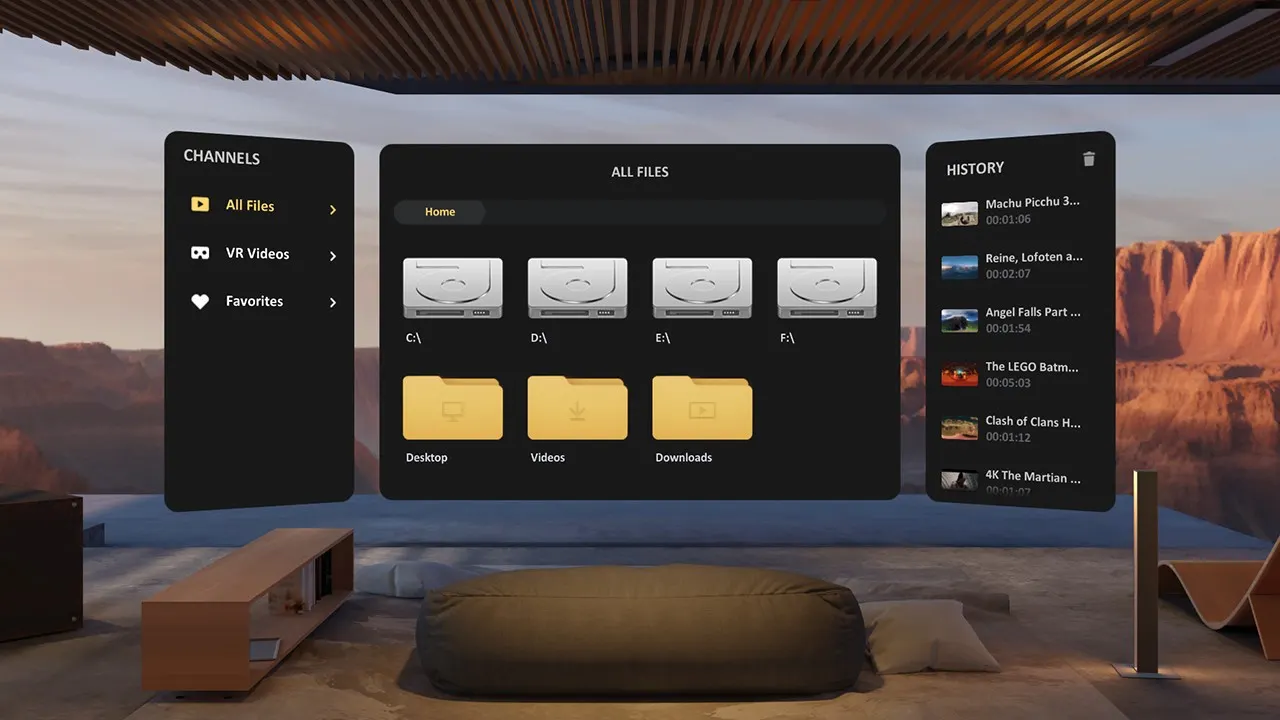
In short
- Price: $9.99, on Steam and the visionOS App Store.
- Builds: Quest, visionOS, Windows through SteamVR, macOS, plus a free desktop client.
- Network: DLNA and SMB, with its own PC and Mac streaming client.
- Newest release: 10 October 2026, which added MV-HEVC spatial video on Quest.
SKYBOX is published by Source Technology and costs $9.99. It reaches more devices than anything else in this guide and keeps the clearest public release notes, which is a better signal of maintenance than any marketing page.
The desktop client is the point
Most network playback in VR means configuring a share and hoping the player finds it. SKYBOX ships a free client for Windows and macOS that runs on the machine holding your files and streams them to the headset, so the setup is installing one program rather than exposing a share. DLNA and SMB are both supported for anyone who prefers the standard route.
Formats and codecs
The store listing names VR180, 360, 200 and 220 degree content, with the App Store listing spelling the fisheye angles out. AV1 is named among supported formats on the Meta Quest listing, which puts SKYBOX in a group of two here that document AV1 at all. The release dated 10 October 2026 added MV-HEVC spatial video on Quest, which is the format Apple and Samsung both name and which more studios are starting to publish.
The 8K line is a vendor claim with its own caveat attached, which is unusually honest: SKYBOX supports UHD, 4K and 8K playback, and on a Quest 2 the maximum resolution is lower. No measured ceiling is published, and the real limit is the headset.
What it is not for
Web streaming exists but is limited: on Quest it supports YouTube through an in-app browser, according to the release notes. This is not the player for browsing a paysite. For that, use DeoVR or PLAY'A, both free and both built around a browser or a streaming API. SKYBOX is for files you already have.
There is also no PICO build, which our compatibility data records, so PICO owners should look at 4XVR or Moon VR Player instead.
Who names it
Three platforms on this site point members at SKYBOX: SwallowBay lists it first, SexBabesVR names it alongside DeoVR and HereSphere, and VirtualTaboo names it as the PC example. POVR names it in its guides. That is a useful signal: these are the studios whose files have been tested against it.
Setting up the desktop client
- Install the free SKYBOX client on the Windows or Mac machine holding your files, and point it at the folder they live in.
- Install SKYBOX on the headset and open the network tab. The client appears without any share configuration.
- If you would rather use a standard protocol, DLNA and SMB are both supported, which suits a NAS that is always on while your computer is not.
- Check the layout setting on the first file. SKYBOX auto-detects 180, 360, 200 and 220 degree content and side-by-side or over-under stereo, and the auto-detection is good but not infallible.
The specifications, field by field
| Platforms | Quest (Android standalone), visionOS, Windows (SteamVR + free client), macOS (client only), Daydream (APK) |
|---|---|
| Local files | Yes |
| Streaming | Yes |
| DLNA | Yes |
| SMB | Yes |
| Web streaming | Yes |
| 180 | Yes |
| 360 | Yes |
| SBS | Yes |
| Fisheye | Yes |
| 4K | Yes |
| 8K | Yes |
| HEVC | Yes |
| AV1 | Yes |
| Passthrough | Yes |
"Not confirmed" means the vendor publishes no answer, not that the answer is no.
Verdict
The best ten dollars in this guide if your collection lives on a computer or a NAS. Wide device support, real release notes, AV1 and spatial video, and a desktop client that removes most of the setup.
Not the player for streaming from a subscription site, and not an option on PICO.
Is SKYBOX free?
No, it is $9.99 on Steam and the visionOS App Store. The PC and Mac streaming client that pairs with it is free.
Can SKYBOX stream from a paysite?
Not really. Its in-app browser supports YouTube on Quest, according to the release notes. For paysite streaming use DeoVR or PLAY'A.
Does it work on PICO?
No PICO build exists. Quest, visionOS, Windows and macOS are the targets.
Does it play spatial video?
Yes, MV-HEVC spatial video was added in the Quest release dated 10 October 2026.
Where it sits: SKYBOX reaches more devices than anything else on our list of VR video players.
Alternatives to SKYBOX VR Player
 DeoVR
player
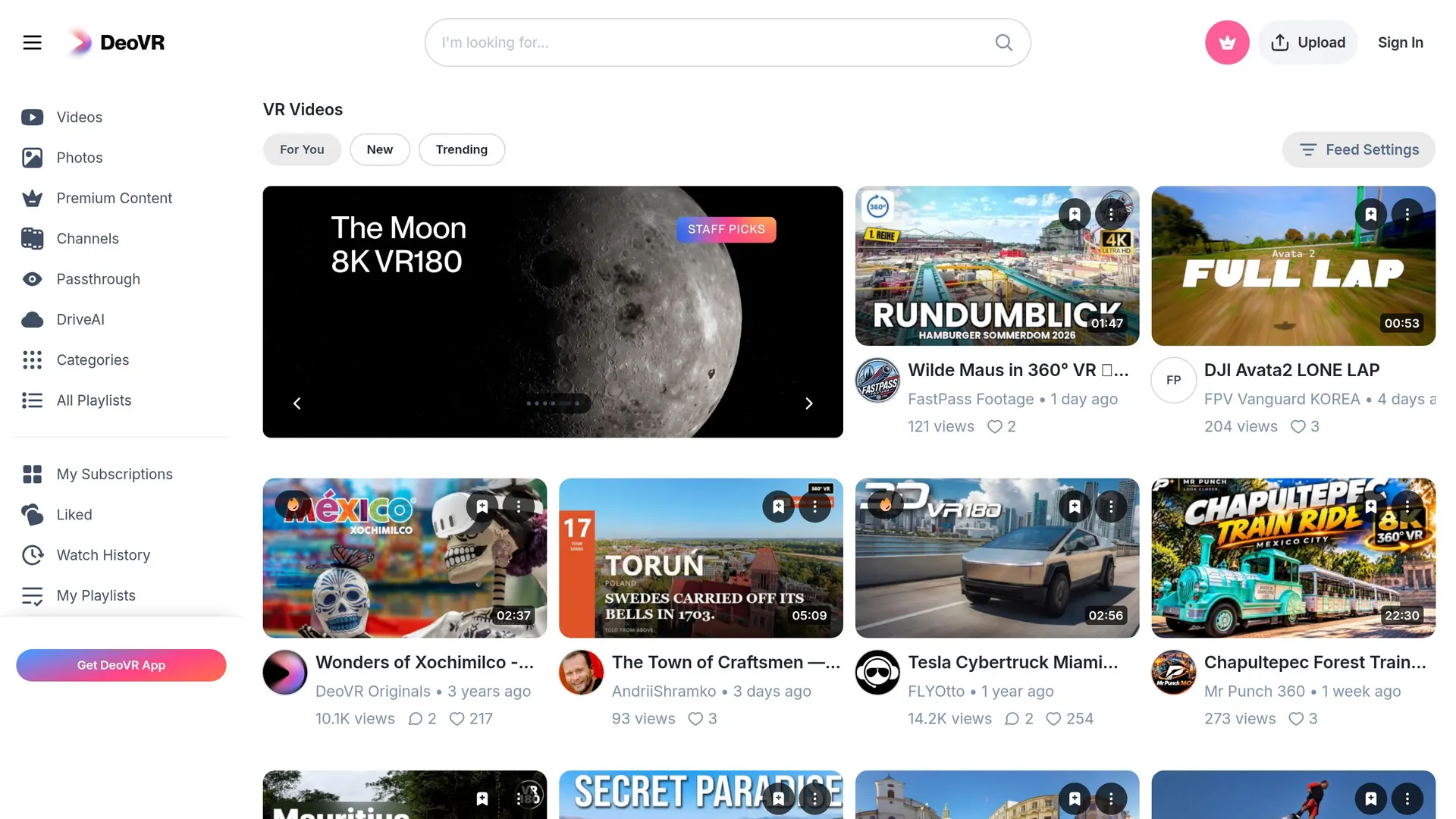
Free VR video player and video site, with apps for Quest, Vision Pro, Pico and PC VR.
 HereSphere
player
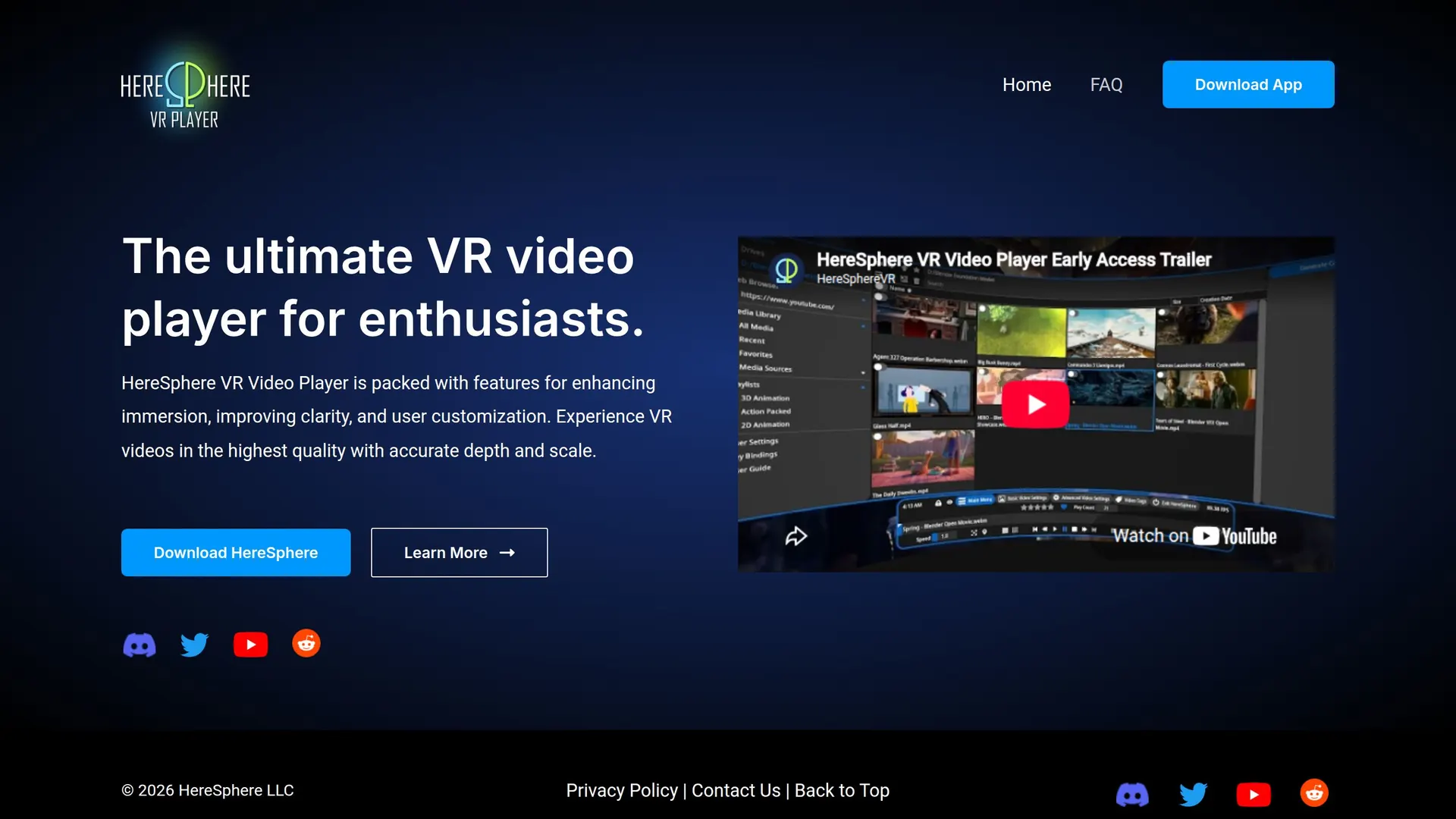
Paid VR video player focused on projection accuracy, autofocus depth and stereo correction.
 PLAY'A VR Video Player
player
Free cross-platform VR player with a built-in browser and its own site-streaming API.
 Moon VR Player
player
Paid Quest, PICO and PC VR player known for passthrough, mixed-reality screens and wide format coverage.
15 sources behind this page
- skybox.xyz: Home page, HTTP 200: AirScreen description, 'Support All VR Platforms' claim,…
- skybox.xyz: Official download page: all store links, APK and PC/Mac client downloads, and…
- skybox.xyz: Support index: the sectioned article list (Manage Videos, Watch Videos,…
- skybox.xyz: 'SKYBOX supports SMBv1, SMBv2, SMBv3, and DLNA' and the 'Network' channel
- skybox.xyz: The three ways to reach video: Local Files / Directory, Network channel (SMB or…
- skybox.xyz: Full external subtitle format list and the DLNA caveat
- skybox.xyz: Pro-HD (OVROverlay compositor layers) and which projections it works on, plus…
- skybox.xyz: Multiplayer/Room sources, Blu-ray ISO and MVC 3D decoding, Dolby Vision on…
- meta.com: Meta Horizon Store (Quest) listing: €9.99 from an EU IP, 'In-App Purchases'…
- meta.com: Meta Horizon Store (Oculus Rift) listing: €9.99 from an EU IP, 'Support DLNA…
- store.steampowered.com: Steam listing (cc=us): $9.99, release Oct 24 2017, developer Skybox…
- store.steampowered.com: Steam's own store API for the same app: price 999 USD, platforms…
- api.steampowered.com: Steam announcements: newest 'Steam v1.2.1: Improved SMB Streaming,…
- apps.apple.com: App Store listing (visionOS): $9.99, no in-app purchases, Apple Vision…
- itunes.apple.com: Apple's own metadata API: price 9.99 USD, version 1.2.2,…