
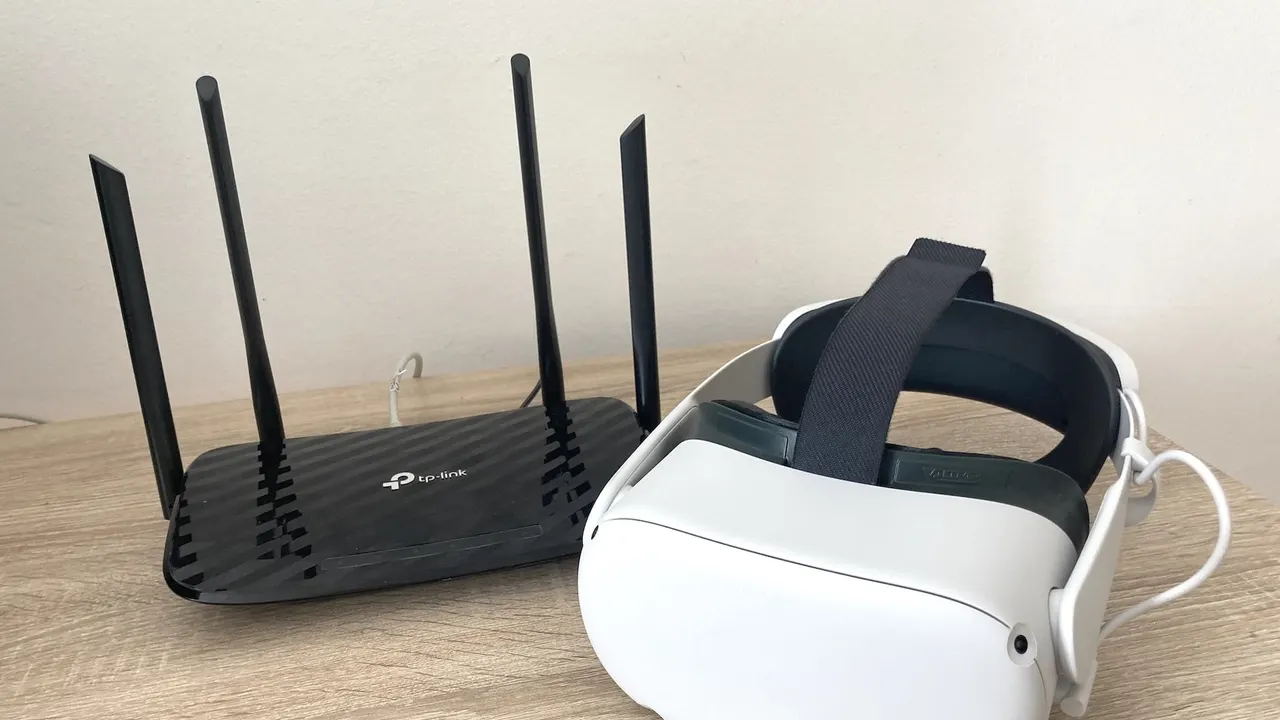
Nothing about VR video is harder than this part, and almost none of the difficulty is in the headset. A scene is a very large file that has to arrive fast enough to play, and between the studio and your eyes there are a web player, an adaptive ladder, possibly a cap you were not told about, a wireless link shared with the rest of the house, and a decoder with a limit that only two manufacturers publish.
In short
- Bandwidth to aim for: about 120 Mbps sustained for 8K, 80 for 6K, 40 for 4K.
- Simplest route: the headset browser, on the twelve platforms that support WebXR.
- Most reliable: download the file, or stream it from your own network.
- Two published caps: WankzVR's web player at 1920p, XsinsVR's Standard tier at 1440p.
The five routes
Route one: the headset browser
Open the browser, go to the platform, log in, play. Twelve of the seventeen platforms on this site state WebXR support, Meta documents the Quest Browser as playing 180 and 360 video, PICO states full WebXR support in a Chromium 125 or newer browser, Apple ships Safari and Samsung ships Chrome.
This costs nothing and installs nothing, which makes it the right way to test a catalogue before paying for it. It is also the route with the least control: you get the platform's own player, whatever quality it decides to send, and no projection settings worth the name. Our WebXR page covers which platforms and headsets support it.
Route two: a player with a browser inside it
Three free players are built around this. PLAY'A and Prism VR both ship an in-app browser, and DeoVR has one alongside an API that platforms can implement so their catalogue opens natively inside the player rather than in a web view.
Use the player your platform names, because that is the pairing it tests: SexLikeReal with DeoVR, the VR Bangers network with PLAY'A, BadoinkVR and VRCosplayX with Prism VR. SwallowBay points at SKYBOX, and Czech VR at HereSphere and DeoVR.
Route three: a network share
If the files are already yours and live on a NAS, five players read them directly over DLNA or SMB: Pigasus, SKYBOX, HereSphere, Moon VR Player and 4XVR, the last of which also speaks FTP.
Prefer SMB over DLNA for a VR library. A DLNA server presents a tidied catalogue and often rewrites or hides file names, and VR players read projection, stereo and lens tags out of those names. SMB shares the folder as it is.
Route four: a desktop client
SKYBOX ships a free Windows and macOS client that runs on the machine holding your files and streams them to the headset without any share configuration. 4XVR's Windows and macOS downloads are 4XLink, a companion server doing the same job, which is also why 4XVR is not a PC VR player despite having a Windows download.
This is the easiest way to watch a library that lives on a laptop rather than on always-on storage.
Route five: copy the file
The route nobody writes about and the one that always works. Connect the headset over USB, copy the scene across, open it in the Files app or a player. Meta documents the Files app as able to view media on the device, and visionOS plays 180, 360 and wide field-of-view video natively from Files with a prompt when the projection metadata is missing.
Storage is the constraint: several gigabytes per 8K scene, against 512 GB on a Quest 3 and 128 or 256 on a Quest 3S.
What the numbers actually are
One platform publishes bitrate figures. SexBabesVR estimates roughly 40 Mbps at 4K, 80 at 6K and 120 and up at 8K for its streaming ladder. Nothing else in this market gives you a number, so treat those as the shape of the problem generally.
On the device side, Meta publishes a decode ceiling of 8192 x 4096 at 60 frames per second for 180 3D on the Quest 3, and Samsung publishes 7680 x 4320 at 60 for the Galaxy XR. No other manufacturer publishes one, so on a Quest 3S, PICO, Vision Pro or PSVR2 the heaviest files are something to test rather than assume.
The caps nobody mentions while you watch
Two platforms publish limits on their own players. The help centre shared by WankzVR and POVR states that the web player is limited to 1920p, while WankzVR's join cards advertise 8K streaming. XsinsVR caps its Standard tier at 1440p and lifts the cap on Privilege, which it states plainly on the tier table.
Beyond those, every adaptive stream silently steps down when the link cannot hold the top tier. Nothing appears on screen when it happens, which is why people conclude that VR video is soft when what they have actually seen is a lower tier.
The wireless hop
Every route except a cable ends with a radio link. The Quest 3 and Quest 3S are Wi-Fi 6E and can use the 6 GHz band, which is usually empty; the PICO 4 Ultra and Galaxy XR are Wi-Fi 7; the Apple Vision Pro is Wi-Fi 6 and cannot use 6 GHz at all.
Moving a headset onto a clean 6 GHz band is the single largest improvement available to most setups, and it is free. Our Wi-Fi page goes through testing it, and the router page covers hardware.
Diagnosing a bad stream
- Download the same scene and play it from local storage. If it is smooth, the file and the decoder are fine and the link was the problem.
- If the local file also stutters, drop one tier. If that fixes it, you are at the decoder's limit, which on most headsets is undocumented.
- Check whether the platform publishes a web player cap. Two do, and neither says so while you watch.
- Move closer to the router or switch to the 6 GHz band, and repeat the first test.
- If everything plays but looks wrong rather than broken, it is a projection problem rather than a streaming one. That page is here.
Which route suits which library
If everything you watch comes from one subscription, routes one and two are the whole answer and you will never need the rest. The browser for browsing, the platform's named player for watching, nothing installed beyond a free app, nothing stored.
If you keep what you like, route five is where you start: download, copy, play. It works on every headset, it is immune to caps and ladders, and the only limit is storage. Once a collection passes the point where copying is tedious, routes three and four take over, with the files living on a machine that is always on.
If you own a PC VR headset, none of this applies in the same way: the file is on the computer driving the display, and our PC VR page covers the differences.
What changed this year
Two things worth knowing if you are following older advice. SexLikeReal discontinued its WebXR hub on 25 September 2026, and browser access ended at the same time for PICO 4, Quest 1 and HP Reverb G2; current Quest headsets still reach the site by opening it directly. And Valve added a media player to SteamVR, in beta, which plays local media with six stereo layouts and four formats including 180, 360 and fisheye.
What we would do
Browse in the browser, keep in a download. The browser costs nothing and is the fastest way to decide whether a scene is worth the storage; a download is the only way to be sure you are seeing what the studio made. For a library, put it on a NAS, share it over SMB, and let the headset read it directly rather than filling 128 GB of internal storage with four scenes.
Downloads are a streaming decision too
It is worth saying plainly, because the two are usually discussed separately. Choosing to download is choosing which part of the chain carries the risk: the network while the file transfers, where a pause costs nothing, rather than the network while you watch, where a pause costs the scene.
Download caps are the one thing that pushes back. SexLikeReal publishes two different figures, 35 videos per rolling seven days in its help centre and 150 a month on the join page, and XsinsVR includes 49 original videos a month on its Standard tier. Everyone else advertises unlimited, with one set of terms mentioning unspecified fair-use thresholds. For most viewers none of those limits binds; for anyone archiving, they decide which platform is worth subscribing to.
The headset with no route
PlayStation VR2 has none of the five. Sony's PS5 FAQ answers the browser question directly, "the PS5 system doesn't include a dedicated web browser app", so there is nothing to open a platform in; the headset runs no operating system of its own, so there is nothing to sideload a player to; and its tech specs list no wireless row at all, only "Communication with PS5: USB Type-C", so there is no network for a share to reach it over. The one way in is Sony's official PC adapter, which turns the headset into a PC VR display and puts every route on this page back on the table. On PlayStation Direct it was listed as currently unavailable on 22 October 2026.
How much bandwidth does VR porn streaming need?
Roughly 120 Mbps sustained for 8K, 80 for 6K and 40 for 4K, on the only published estimate in this market.
Why does my stream look soft?
Either the adaptive ladder dropped a tier, or the platform caps its web player. Two publish caps: 1920p at WankzVR and 1440p on XsinsVR's Standard tier.
Do I need an app to stream?
Not on the twelve platforms that support WebXR. The headset browser plays them directly.
What is the most reliable setup?
Files on a wired NAS, shared over SMB, read by a player on a headset connected to a clean 6 GHz band. Nothing in that chain is negotiating quality on your behalf.