
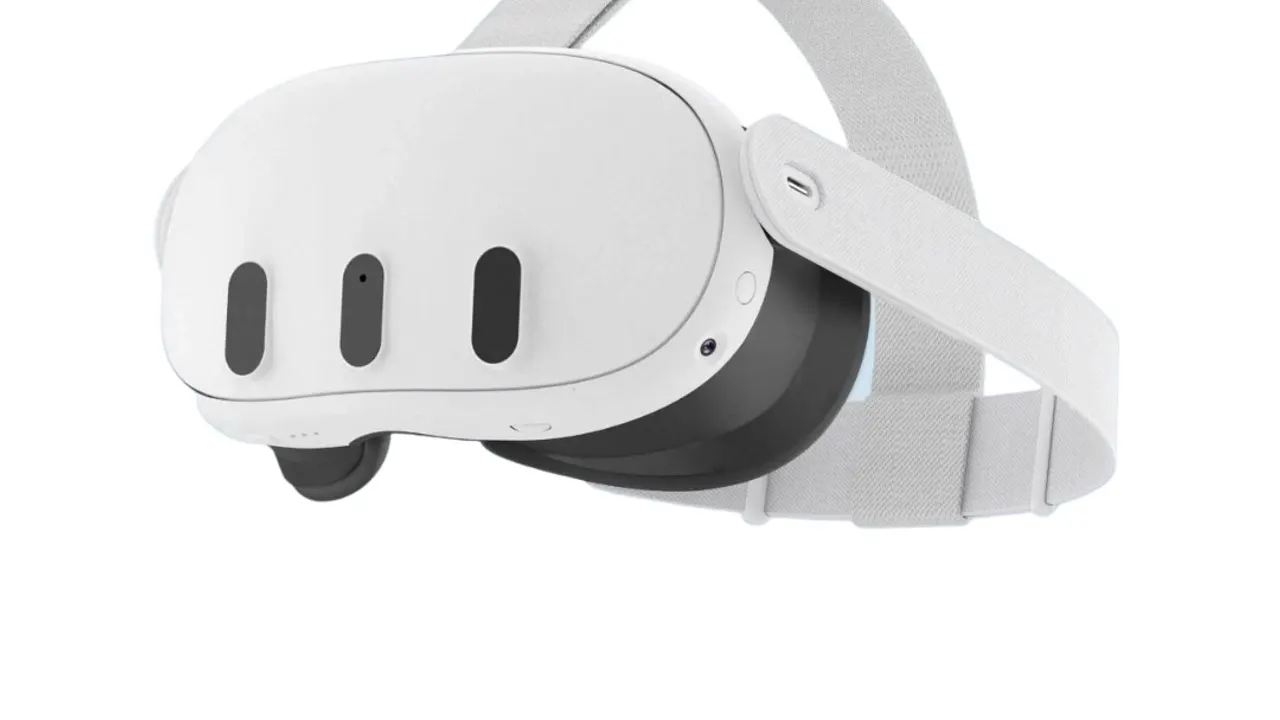
Meta bans pornography from the Horizon Store and leaves three other doors open: a Chromium browser, a file manager and official sideloading. Everything below uses one of them, and the first route takes about a minute.
In short
- Fastest: the Quest Browser, on the twelve platforms that support WebXR.
- Best quality: download, then play in a free store player.
- Decode ceiling: 8192 x 4096 at 60 fps for 180 3D, published by Meta.
- Storage: 512 GB, enough for a real download library.
Route one: the browser
- Open the Quest Browser from the app library.
- Go to the platform and log in there, on the headset, not on a computer.
- Open a scene and press the button that enters VR or immersive mode.
- If nothing happens, check whether that platform supports WebXR. Five of the seventeen publish no statement.
Route two: a free player
Three are free in the Meta Horizon Store: DeoVR, PLAY'A and Prism VR. Use the one your platform names, because that is the pairing it tests: SexLikeReal means DeoVR, the VR Bangers network means PLAY'A, BadoinkVR and VRCosplayX mean Prism VR.
Each has an in-app browser, so you log in inside the player and stream from there, with downloads available where the platform allows them.
Route three: your own files
Connect the headset to a computer over USB, allow file access when the headset asks, and copy scenes into a folder on the device. Meta documents the Files app as able to view and manage media on the headset, so they will play without anything else installed, though a dedicated player gives you projection controls.
For a library larger than the headset, use a network share instead: SKYBOX or Pigasus read a NAS over DLNA or SMB, which is covered in the NAS guide.
What the hardware gives you
The Quest 3 is 2064 x 2208 per eye at 25 pixels per degree, with Wi-Fi 6E and 512 GB. Meta publishes a decode ceiling of 8192 x 4096 at 60 frames per second for 180 three-dimensional side-by-side video, which covers a normal 8K scene with room to spare. It is the only headset in this guide whose maker publishes that figure.
HEVC is hardware decoded; AV1 works on Quest 3 and above.
The settings that matter
Stereo layout, projection and the 6 GHz band. The first two are in the player and cause the recognisable failures: two images means the stereo setting, stretched edges means the projection. The third is in your router, and moving the headset onto a clean 6 GHz band is the single biggest improvement available to most setups.
More guides are in the guides section.
What to do first on a new headset
Before any of the three routes, spend two minutes on fit. Set the IPD with the headset's own menu text as your reference, and adjust the strap until the text is sharp rather than merely readable. A Quest 3 has pancake optics with a reasonably forgiving sweet spot, and it is still the difference between a scene that looks like 8K and one that does not.
Then decide whether you will download. If yes, the 512 GB is one of the reasons to own this headset rather than a 3S, and a USB cable to your computer is all the equipment you need.
Do I need an app on the Quest 3?
No, for the twelve platforms that support WebXR: the browser plays them. A free player helps for downloads and for the platforms that do not.
Can the Quest 3 play 8K?
Yes. Meta documents 8192 x 4096 at 60 frames per second for 180 3D, and an 8K scene is usually 7680 x 3840.
Why is there no adult app in the store?
Meta's content guidelines ban pornography. Video players are allowed because a player is not adult content.
How do I get files onto the headset?
USB from a computer, then play them in the Files app or a player. Or leave them on a NAS and stream them locally.