

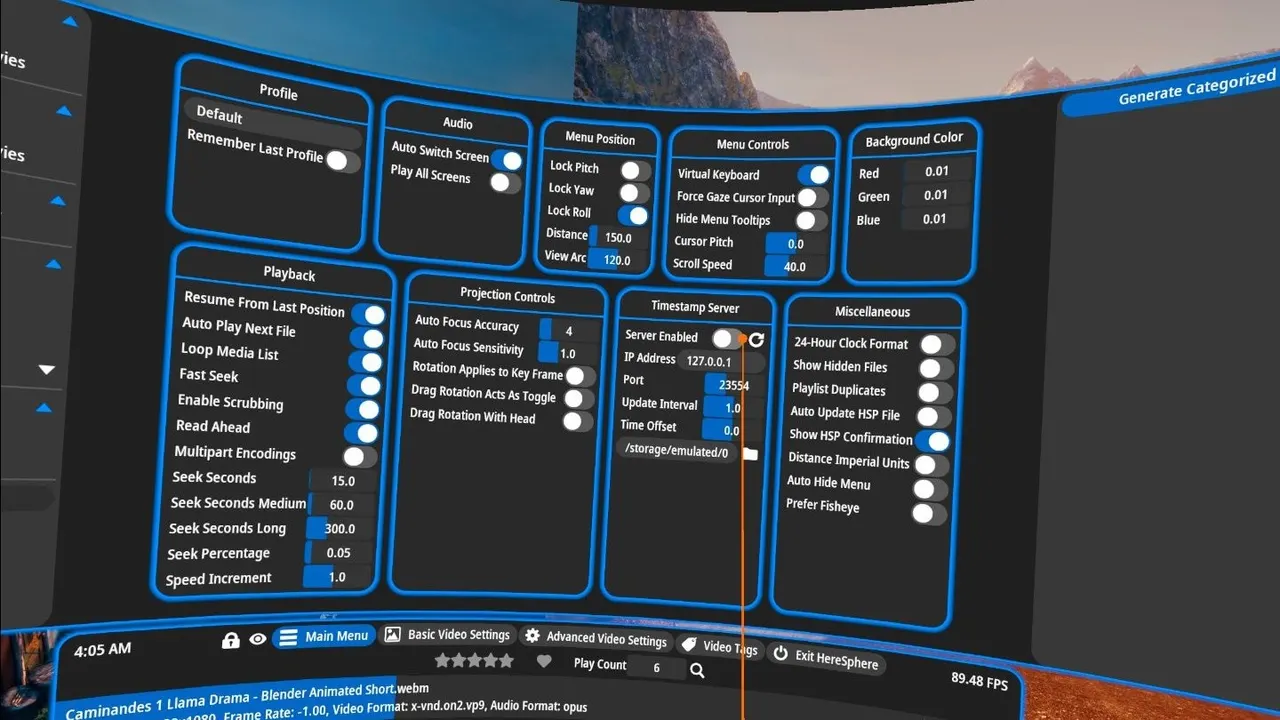
In short
- Price: $29.99 on Steam and in the Meta Horizon Store. No free version, but there is a demo.
- Builds: Windows through SteamVR, Quest standalone, and a visionOS TestFlight beta.
- Lens profiles: MKX200, MKX220, VRCA220 and RF52, named in the FAQ.
- Windows catch: H.265 needs the Microsoft HEVC extension installed first.
HereSphere is made by HereSphere LLC and sold for $29.99 with no free tier, although the download page offers a demo. It is the most capable player in adult VR and the least convenient, which is a fair summary of how it is designed: the defaults are adequate and the settings are where the value is.
Why the lens profiles matter
Most VR scenes are shot on a specific camera lens, and the projection that lens produces is not plain equirectangular video. Studios encode that into the file name with tags, and most players make a guess from them. HereSphere's FAQ instead publishes the naming convention and the profiles it supports by name: fisheye at 180 degrees with a linear lens, MKX200, MKX220, VRCA220 and RF52, along with the stereo layout tags for left-right, right-left and top-bottom.
If you have ever watched a scene where the performer looked subtly stretched or where your eyes would not settle, that is a projection or stereo mismatch, and this is the player that lets you fix it by naming the lens instead of nudging a slider.
Autofocus depth and stereo correction
Two features no other player here documents. Autofocus depth adjusts the convergence of the stereo pair as you look around, which reduces the eye strain some people get from fixed-depth scenes. Stereo correction addresses files where the two eyes are misaligned, which happens more often than studios admit, particularly in older catalogues.
The Windows HEVC catch
On the Windows build, HEVC playback requires the Microsoft HEVC Video Extension, which Steam's own listing states plainly. Without it an H.265 file shows a black screen or an error, and since most studios now ship HEVC at their top tiers, this catches almost everyone once. It is a one-off install from the Microsoft Store and it is the single most common cause of "HereSphere does not work" posts.
What is not documented
Two significant gaps. There is no official statement anywhere about 8K support or a decode ceiling for the Quest build, so this site records 8K as unconfirmed rather than claiming it. And AV1 is not mentioned on the site, the FAQ, itch.io, Steam or either Meta listing, so AV1 support is unknown. Neither means the player cannot do these things; it means the developer has not said so.
The other thing worth knowing is the release cadence. The newest dated release on the developer's own itch.io development log was 16 January 2026, which is the oldest of the eight players here. For a mature tool that is not alarming, and it is a fact worth having before you pay.
Where it runs, and what it speaks
Steam for Windows with SteamVR, the Meta Horizon Store and a direct APK from itch.io for Quest, and a visionOS TestFlight beta. DLNA and SMB are both supported for network playback, and web streaming works for sites that implement the HereSphere API. There is no PICO build: the developer has said there is no standalone PICO version, which our compatibility data records.
The specifications, field by field
| Platforms | Windows (SteamVR), Quest (Android standalone), visionOS (TestFlight beta) |
|---|---|
| Local files | Yes |
| Streaming | Yes |
| DLNA | Yes |
| SMB | Yes |
| Web streaming | Yes |
| 180 | Yes |
| 360 | Yes |
| SBS | Yes |
| Fisheye | Yes |
| 4K | Yes |
| 8K | Not confirmed |
| HEVC | Yes |
| AV1 | Not confirmed |
| Passthrough | Yes |
"Not confirmed" means the vendor publishes no answer, not that the answer is no.
Verdict
Worth $29.99 if you watch enough to care about projection accuracy, and especially if you are on PC VR, where it is clearly the best tool available. Install the HEVC extension before you decide it is broken.
Skip it if you mostly stream from one platform and the picture already looks right: DeoVR is free and does that job. Skip it too if you are on PICO, where there is no build.
Is HereSphere worth paying for?
If projections, stereo alignment or eye strain are problems for you, yes: nothing else here names lens profiles or offers stereo correction. If your scenes already look right, DeoVR does the same job free.
Why do my H.265 files not play on Windows?
The Microsoft HEVC Video Extension is not installed. Steam's listing states it as a requirement, and it is a one-off install.
Does HereSphere run on PICO?
No. There is no standalone PICO build, and the developer has said so.
Can it play 8K files?
No official page states an 8K capability or a decode ceiling for the Quest build, so this is unconfirmed. On PC the limit is your graphics card rather than the player.
Where it sits: HereSphere is the power tool on our list of VR video players, and the only one that names camera lens profiles.
Alternatives to HereSphere
 DeoVR
player
Free VR video player and video site, with apps for Quest, Vision Pro, Pico and PC VR.
 SKYBOX VR Player
player
General-purpose VR media player with network streaming and its own PC/Mac streaming client.
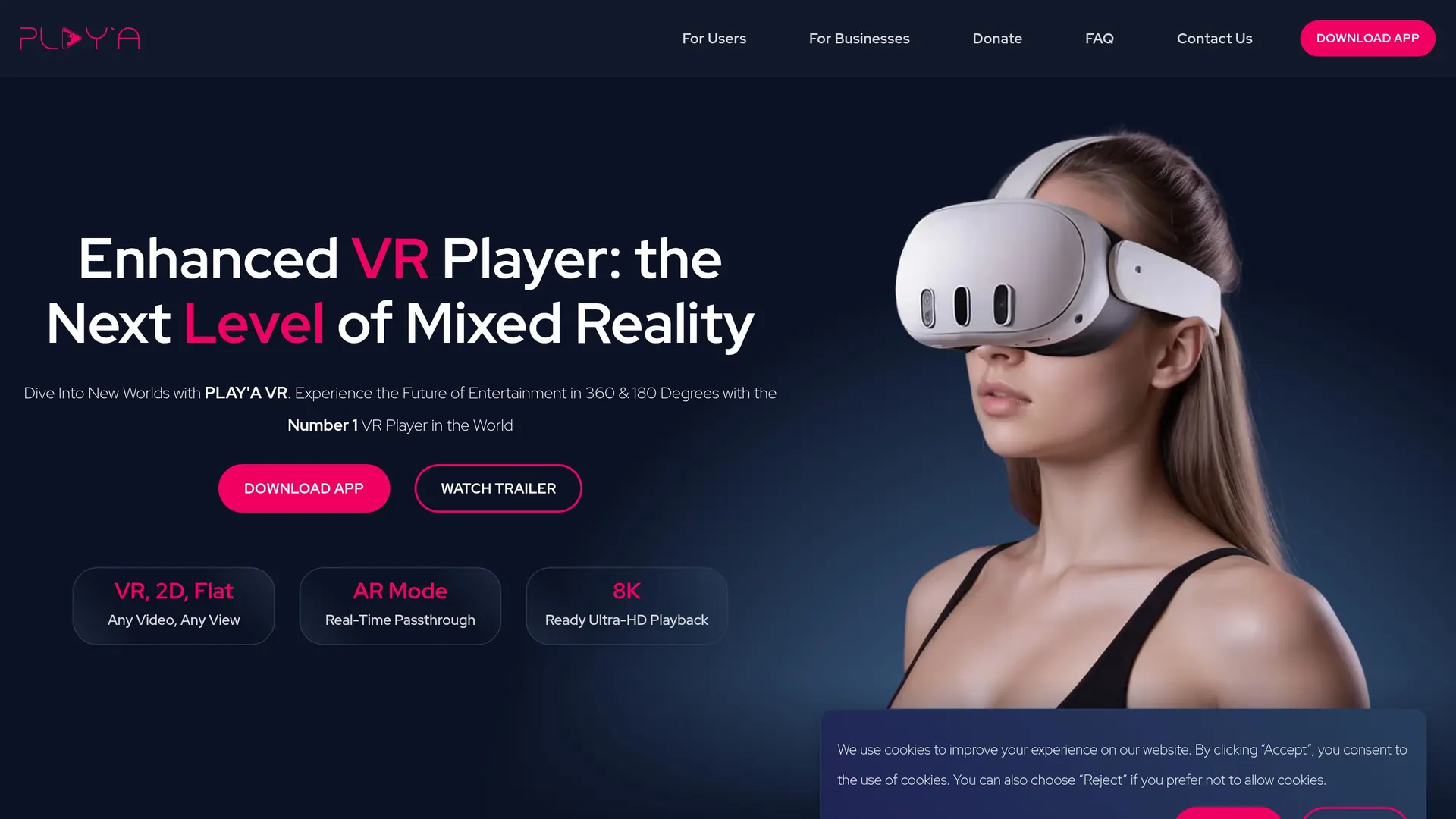
 PLAY'A VR Video Player
player
Free cross-platform VR player with a built-in browser and its own site-streaming API.
 Moon VR Player
player
Paid Quest, PICO and PC VR player known for passthrough, mixed-reality screens and wide format coverage.
12 sources behind this page
- heresphere.com: Home page, HTTP 200, positioning line, nav (Home / FAQ / Download App)
- heresphere.com: FAQ: ExoPlayer playback limits, web streaming and the HereSphere API, WebXR…
- heresphere.com: Official download page: 'Supported devices are Windows PC, Meta Quest,…
- heresphere.com: Apple Vision Pro page - contains only a public TestFlight link
- heresphere.com: Official sitemap, used to confirm the full page list (home, faq, download,…
- heresphere.itch.io: Official itch.io store page for the Quest build: $29.99 USD minimum,…
- store.steampowered.com: Steam listing (cc=us): $29.99, Early Access, release Feb 26 2021,…
- store.steampowered.com: Steam's own store API for the same app: price 2999 USD, platforms…
- store.steampowered.com: Steam store API for the free demo: type 'demo', is_free true,…
- api.steampowered.com: Steam announcements: newest 'Update for Default Branch 5/6/2025'…
- meta.com: Meta Horizon Store listing (paid): €29.99 from an EU IP, feature list naming…
- meta.com: Meta Horizon Store listing for the free demo: same feature list, version 0.12.2,…