

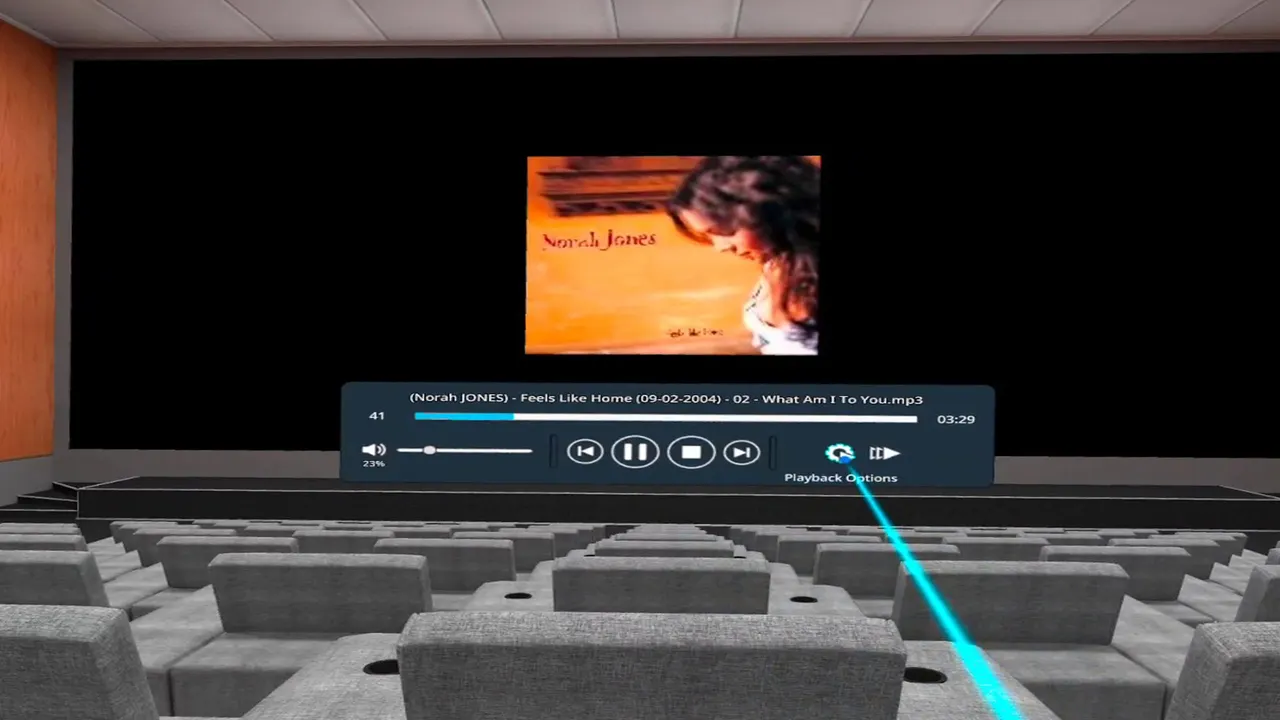
In short
- Price: 6.99 euros, seen from Europe, in the Meta Horizon Store.
- Builds: Quest only, plus legacy Oculus Go and Gear VR listings.
- Network: DLNA, UPnP and Samba, which is what it is built for.
- Not published: any codec statement, and any release date for the current build.
Pigasus is made by Hanging Hat Studios and sold only through the Meta Horizon Store. It is the cheapest paid player in this guide and the narrowest: one platform, one purpose, and a long history of doing that purpose well. If your scenes sit on a NAS and you own a Quest, this is the shortest path between them.
What it is built around
DLNA and UPnP discovery plus Samba shares, stated in the Meta Horizon Store listing's own feature line. Where other players treat network playback as one feature among many, Pigasus treats it as the product, and the setup reflects that: the share appears, you browse it, you play.
Its FAQ also documents fisheye and field-of-view auto-detection from file names, naming the profiles it recognises, including 180-degree surround spherical fisheye tags. That puts it in a group of three here, with HereSphere and DeoVR, that document projection handling rather than leaving you to guess.
The limits are hard ones
There is no Apple Vision Pro build, no PICO build and no PC build, and our compatibility data records all three as no rather than unknown, because the vendor's own page links only Meta store listings and those listings name only Quest and the legacy Go and Gear VR devices. This is a Quest player.
No official page names a codec. Not HEVC, not H.265, not AV1, nothing beyond generic container talk. For a paid player that is a real gap, and it is shared with Moon VR Player. Neither is 8K mentioned anywhere.
The release date problem
Pigasus is the only player in this guide where we could not establish when the current build was released. No release date for it is published anywhere official: the Meta Horizon Store listing shows what it shows, and the vendor's site carries no changelog. The app may be perfectly current. There is simply no way to tell from outside, which is worth knowing before you pay even seven euros.
Who names it
RealJamVR names Pigasus among its compatible players, which is a useful pairing because that studio shoots in fisheye and Pigasus documents fisheye detection.
Setting it up with a NAS
- Turn on DLNA or UPnP on the NAS, or share the folder over SMB. Most consumer NAS boxes have both in the media settings.
- Install Pigasus on the Quest and open the network section. A DLNA server on the same network is usually discovered without any address being typed.
- For a Samba share, enter the host, the share name and the credentials once. It is remembered.
- Name your files with the usual tags, such as _180 or _LR, so the auto-detection picks the right projection and stereo layout. The FAQ lists the tags it understands.
How it compares with the other network players
Four players here speak both DLNA and SMB: Pigasus, SKYBOX, HereSphere and Moon VR Player, and 4XVR adds FTP. Pigasus is the cheapest of the five and the only one that is Quest only. SKYBOX costs three euros more and adds its own desktop client, visionOS and Windows builds, and published release notes, which is the better buy for most people. Pigasus wins on price and on how little it asks you to configure.
What you give up for the price
Three things, and whether they matter depends entirely on your setup. There is no in-app browser, so streaming from a subscription site is not possible: this player opens files, and the files have to come from somewhere else. There is no PC, PICO or Vision Pro build, so it cannot follow you to another headset. And there is no published codec list, which means the only way to know whether a given file plays is to try it.
Against that, seven euros is less than a month of any subscription on this site, and the app has been in the Meta store long enough to have a history behind it, including listings for hardware two generations old.
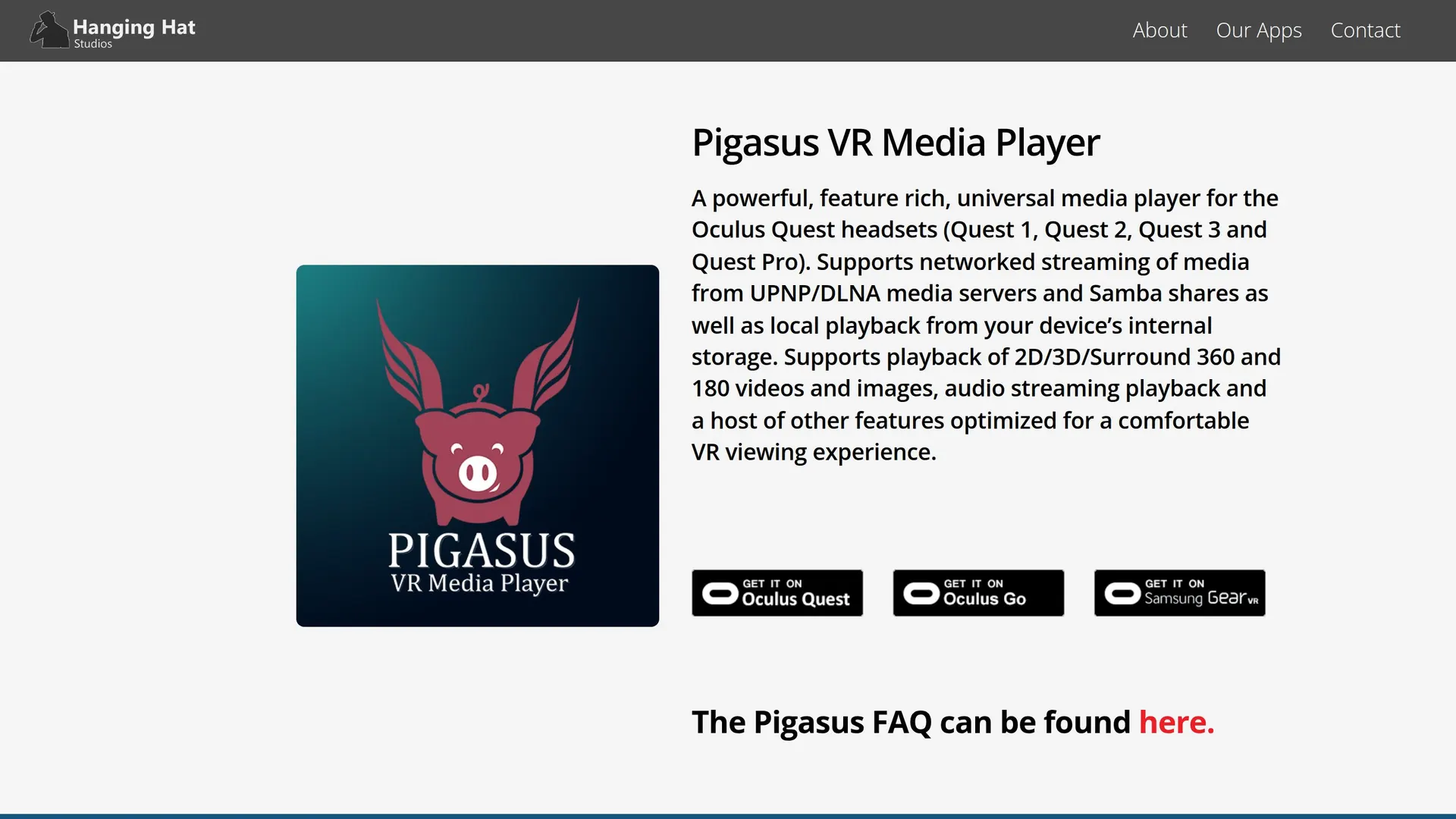
The specifications, field by field
| Platforms | Meta Horizon OS / Quest (Android standalone), Oculus Go / Gear VR (Android, legacy) |
|---|---|
| Local files | Yes |
| Streaming | Yes |
| DLNA | Yes |
| SMB | Yes |
| Web streaming | Not confirmed |
| 180 | Yes |
| 360 | Yes |
| SBS | Yes |
| Fisheye | Yes |
| 4K | Not confirmed |
| 8K | Not confirmed |
| HEVC | Not confirmed |
| AV1 | Not confirmed |
| Passthrough | Not confirmed |
"Not confirmed" means the vendor publishes no answer, not that the answer is no.
Verdict
Seven euros for the most direct NAS-to-Quest route there is, with documented fisheye handling. If that is your setup, buy it and stop reading.
If you own anything other than a Quest, it is not an option. And if you want to know what codecs a player supports or when it was last updated, this is the one that tells you neither.
Does Pigasus work on Apple Vision Pro or PICO?
No. It is sold only through the Meta Horizon Store and its listings name Quest plus the legacy Go and Gear VR devices.
Can it stream from a Samba share?
Yes, that is its main purpose, along with DLNA and UPnP discovery.
Does it support HEVC?
No official page says. The developer publishes no codec statement at all.
When was it last updated?
Not published. No release date for the current build appears on the store listing or the vendor's site.
Where it sits: Pigasus is the cheapest and most focused option on our list of VR video players.
Alternatives to Pigasus VR Media Player
 DeoVR
player
Free VR video player and video site, with apps for Quest, Vision Pro, Pico and PC VR.
 HereSphere
player
Paid VR video player focused on projection accuracy, autofocus depth and stereo correction.
 SKYBOX VR Player
player
General-purpose VR media player with network streaming and its own PC/Mac streaming client.

 PLAY'A VR Video Player
player
Free cross-platform VR player with a built-in browser and its own site-streaming API.
5 sources behind this page
- hanginghatstudios.com: Official product page, HTTP 200: positioning line naming Quest…
- hanginghatstudios.com: Official FAQ, read in full (HTML stripped because the page is an…
- hanginghatstudios.com: Studio home page: self-description and the two-product list 'Pigasus…
- meta.com: Meta Horizon Store Quest listing (reached from the official page's…
- meta.com: Meta Horizon Store legacy listing (reached from the official page's…