

In short
- Cadence: weekly. Scenes dated 16, 9 and 2 October 2026 sat at the top of the listing when we checked.
- Resolution: up to 7K, with ten-bit HEVC on the 5K, 6K and 7K files and H.264 lower down.
- Formats: 180 and 3D, streaming or download.
- Samples: a DOWNLOAD SAMPLE button on every scene page.
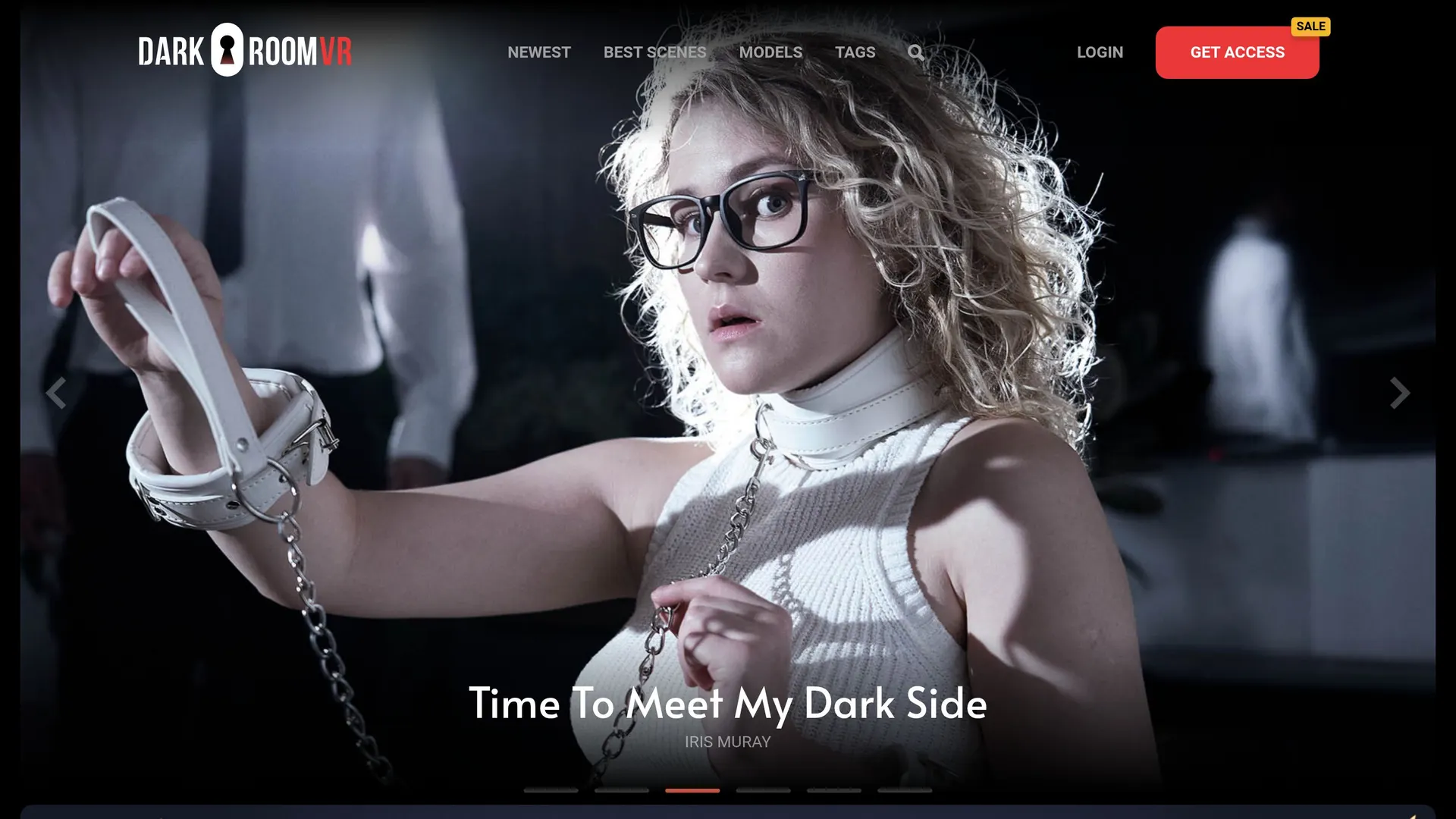
Dark Room VR shoots 180-degree 3D scenes and releases one a week, which puts it in the upper half of this list for pace. On 22 October 2026 the newest scene was dated 16 October, with the two before it on 9 and 2 October, so the schedule is being kept. The catalogue total is not published anywhere we could find, which is the main gap in what the studio tells you about itself.
The file ladder, and why it is the useful part
Dark Room VR encodes its top tiers as ten-bit HEVC and keeps H.264 for the lower ones, which you can read directly from the file names on the download tab. That is the second most explicit codec position of any studio on this list, behind only Czech VR Network, and it is more useful than a resolution banner because it tells you what your hardware has to do.
Ten-bit HEVC at 7K is a heavier decode than eight-bit HEVC at 8K, which surprises people. If a file stutters, the fix is usually to drop to the H.264 version rather than to a smaller HEVC one, and our HEVC troubleshooting page covers what each headset documents. Meta publishes a decode ceiling for the Quest 3 and nothing for the Quest 3S, so on the cheaper headset the safe choice is the lower tier.
What it plays
180 and 3D are stated by the studio. Three hundred and sixty, fisheye and passthrough are not addressed, so none of them is claimed here. Both streaming and downloading are offered, with no published cap on either. Bitrate figures are not published, which is normal for this market.
Which headsets
Quest, PC VR and Apple Vision Pro are all named as supported, and WebXR works, so the site plays in a headset browser with nothing to install. PICO is not addressed anywhere official. The one player named by the studio is Littlstar for PlayStation VR, which is a legacy recommendation: that app became RAD, and a PlayStation console has no VR video route of its own, as our PSVR2 page sets out. For a Quest, use the browser or DeoVR; for a PC, HereSphere handles the ten-bit files as long as the Windows HEVC extension is installed.
The sample downloads
Every scene page carries a DOWNLOAD SAMPLE button, which gives you a real file from that scene rather than a streamed preview. For judging a studio this is better than a trailer: you can put the sample on your own headset, in your own player, and see whether the ten-bit HEVC path works end to end before committing to anything. There is no page of complete free scenes, and the studio does not claim one.
Terms worth knowing
The refund position follows European consumer law and the studio spells it out: a 14-day right of withdrawal for online digital content, lost as soon as downloading or streaming starts, with requests made by email. In practice that means the withdrawal right is gone the moment you watch anything, which is the standard shape across this market but stated more plainly here than on most sites. The minimum age is 18, or the local age of majority where that is higher.
Who it suits
This is a studio for someone who wants a weekly release schedule and cares about the file rather than the marketing. The codec ladder is explicit, the samples let you test it, and 7K in ten-bit is a genuinely good looking tier on a headset that can decode it. The theme is specific, so the sample downloads are also the fastest way to work out whether the material suits you.
Against that, the catalogue size is not published, so you cannot tell how much there is to work through, and the player recommendation on the site is years out of date. Neither affects the scenes themselves, but both are signs of a site whose technical pages get more attention than its guides.
How to get the best picture out of it
Three settings decide how a 7K scene from this studio looks, and none of them is on the studio's side of the connection. The first is which file you take: the ten-bit HEVC version if your headset documents the decode, the H.264 version if it does not. The second is the projection setting in your player, which for 180-degree stereoscopic material should be 180 side-by-side; if the picture looks doubled or flattened, that setting is wrong rather than the file. The third is whether you are streaming or playing locally, because a stream adapts downward on a busy network and a local file does not.
That last point is worth testing deliberately. Download one scene, play it from the headset's own storage, and compare it with the same scene streamed. If the local file is clearly better, the limit is your network, and no studio on this list can fix that for you. Our guide to playing high-resolution VR video walks through the same check with the numbers each headset publishes.
The specifications, field by field
| Free content | Trailers only |
|---|---|
| Downloads | Yes |
| Streaming | Yes |
| WebXR | Yes |
| Max resolution | 7K |
| 180 | Yes |
| 360 | Not confirmed |
| 3D | Yes |
| Passthrough | Not confirmed |
| Quest | Yes |
| PC VR | Yes |
| Vision Pro | Yes |
| Pico | Not confirmed |
| App | Not confirmed |
"Not confirmed" means the vendor publishes no answer, not that the answer is no.
Verdict
Take a sample download first, play it in the player you intend to use, and judge from that. The weekly schedule is real, the codec ladder is clearly signposted, and the 7K ten-bit files are among the better looking on this list when your hardware can decode them.
The gaps are informational rather than technical: no published catalogue total, no 360 or fisheye statement, no PICO answer, and a player recommendation that belongs to an earlier generation of hardware.
How often does Dark Room VR release scenes?
Weekly. The three newest when we checked were dated 16, 9 and 2 October 2026.
What resolution are the files?
Up to 7K, with ten-bit HEVC on the 5K, 6K and 7K versions and H.264 on the lower ones. The codec is readable from the file names on each scene's download tab.
Can I try a scene before subscribing?
Yes. Every scene page has a DOWNLOAD SAMPLE button that gives you a real file to test in your own player. There is no page of complete free scenes.
Does it work on a Quest without an app?
Yes. The site supports WebXR, so it plays in the Quest browser. DeoVR is the sensible app if you prefer one.
Where it sits against the rest: Dark Room VR is one of the weekly studios on our list of the best VR porn sites, and the second most explicit there about the codecs inside its files.
Alternatives to Dark Room VR
 SexLikeReal
network
Large VR video network with its own headset app, interactive scripts and AI passthrough.
 POVR
aggregator
Premium VR aggregator carrying 145 studios alongside its own POVR Originals.
 VR Bangers
studio
VR porn studio marketing its own scenes in up to 12K, watched through the PLAY'A player.
 Czech VR Network
network
Czech multi-studio VR network; one membership covers all of its sites.
12 sources behind this page
- darkroomvr.com: Front page: claims (weekly, devices, stream or download), listing, footer
- darkroomvr.com: Newest-videos listing (28 pages)
- darkroomvr.com: Scene page: date, file list 7K to 960p, page-source format STEREO_180_LR
- darkroomvr.com: Scene page (date 09 Oct 2026)
- darkroomvr.com: Scene page (date 02 Oct 2026)
- join.darkroomvr.com: Join page: server template error, no plans visible (retried with curl,…
- darkroomvr.com: How to watch: per-device streaming/download instructions
- darkroomvr.com: Refund policy
- darkroomvr.com: Terms and conditions (min age, term-based membership)
- darkroomvr.com: Privacy policy (operator name blank)
- darkroomvr.com: 18 U.S.C. 2257 statement (custodian blank)
- darkroomvr.com: HTTP 404